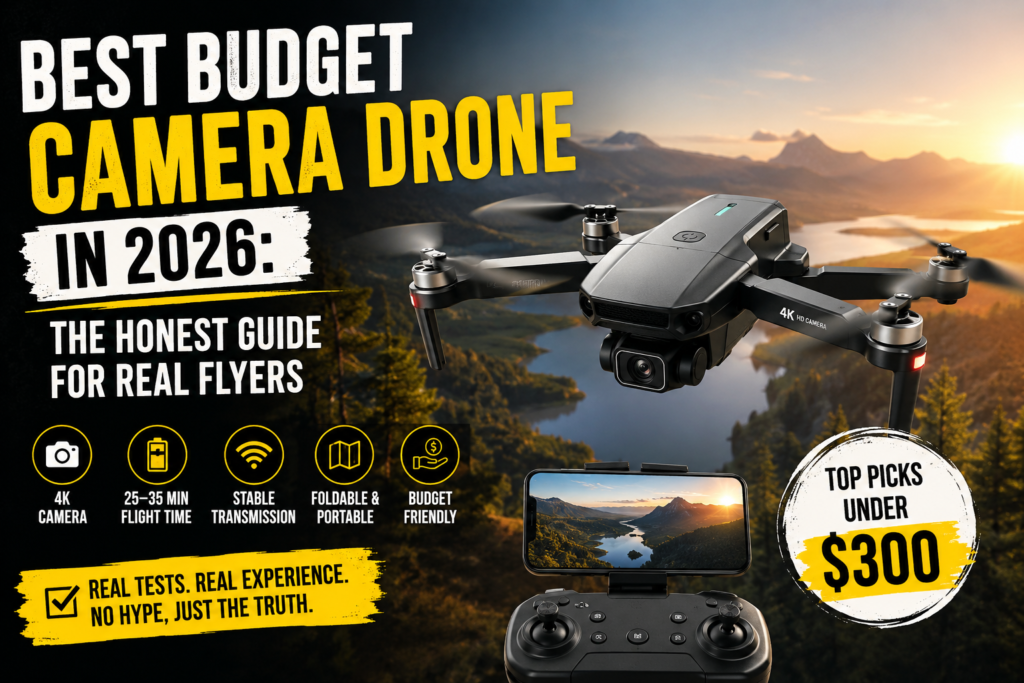
There is something that happens when you first see aerial footage. It does not matter if it is a sweeping shot over a mountain trail or a slow glide above a city park during golden hour. The moment you watch it, you start thinking about how you could capture that yourself. And then you open up a browser, type in “best budget camera drone,” and immediately feel overwhelmed.
There are hundreds of options out there. Every single one of them claims to shoot “stunning 4K footage.” Every single one promises “professional-grade stability.” And most of them do not live up to a single word of that.
But here is the thing: in 2026, budget camera drones have genuinely gotten good. Not “good for the price” good. Actually good. The kind of good where a person who has never flown a drone in their life can take it out of the box, launch it into the air, and come back with footage that looks like it came from something costing three times more.
You just need to know which ones to buy and which ones to avoid. That is exactly what this guide is going to tell you.
What Changed in the Budget Drone Market
Not too long ago, buying a camera drone under $300 meant accepting painful compromises. You would end up with footage that looked like it was filmed through a window screen, a drone that would drift sideways in a light breeze, and a battery that tapped out after twelve minutes just when you found the perfect angle.
That era is over.
The improvements in sensor technology, motor efficiency, and GPS software have trickled down from professional-grade drones into the budget category faster than anyone expected. What used to cost $600 or more is now available for under $300. Features like three-axis mechanical gimbals, real 4K video capture, GPS positioning that actually holds still in the wind, and transmission ranges measured in kilometers are now standard in the budget segment.
One of the biggest shifts for buyers in the United States is the weight threshold. Any drone that weighs under 250 grams does not require FAA registration for recreational use. That one fact has pushed nearly every budget manufacturer to engineer their drones below that limit. The result is a category full of lightweight, compact, genuinely capable machines that you can carry in a jacket pocket and fly without any paperwork.
This does not mean every drone under $300 is worth buying. It means the good ones are better than they have ever been, and you need a way to separate them from the junk.
The Most Important Specs to Understand Before You Buy
Most people look at camera drones and immediately focus on the number in front of the “K.” That is a mistake. Camera resolution is only one small part of what makes aerial footage look good, and in most budget drones, the marketing around resolution numbers is deeply misleading.
Here is what actually matters.
Gimbal Type
This is the single most important specification in a budget camera drone, and it is the one that gets the least attention in most guides. A gimbal is the mechanism that holds the camera and keeps it stable while the drone moves, tilts, and fights the wind.
A three-axis mechanical gimbal physically moves the camera in three directions to counteract the drone’s motion. It uses real motors and real precision. The footage it produces is smooth in a way that feels cinematic rather than robotic.
An electronic image stabilizer, commonly abbreviated as EIS, does its stabilization in software by cropping and shifting the video frame. It can reduce shake, but it cannot replicate what a mechanical gimbal does. On a rough day or in windy conditions, the difference between the two is not subtle. It is obvious.
A two-axis gimbal falls somewhere in between. It handles the most common types of movement but leaves out rotation stabilization, which you will notice when the drone banks hard in a turn.
The simple rule is this: if smooth video matters to you, buy a drone with a three-axis mechanical gimbal. If you are mainly learning to fly and video quality is secondary, a good EIS system is fine.
GPS and Its Features
GPS does much more than tell the drone where it is on a map. A drone with solid GPS will hover in a fixed position without drifting when you let go of the controls. It will execute a return-to-home automatically if the battery gets low or the signal drops. It allows for flight modes like waypoints, follow-me, and orbit that would be impossible to fly manually.
For beginners especially, GPS is not optional. It is the feature that turns a difficult, stressful experience into an enjoyable one. You should not buy a budget camera drone without it.
Flight Time
Manufacturers advertise flight times under ideal conditions: calm air, cool temperatures, hovering in place without moving. Real-world flight time is always shorter. A drone advertised at 31 minutes will typically give you somewhere between 22 and 27 minutes of actual flying depending on wind, temperature, and how aggressively you fly it.
That is still enough time to get good footage in a session. But it means you should plan to buy a spare battery, or at minimum choose a drone that comes with two in the box.
Weight and Registration
As mentioned above, the 250-gram threshold is your friend. Every drone on this list weighs under 250 grams, which means recreational pilots in the United States can fly without registering with the FAA. If you ever fly commercially or for compensation, Part 107 certification is required regardless of weight, but for personal use and content creation, staying under 250 grams keeps things simple.
Sensor Size
This is where the gap between budget drones and premium ones still shows. Most budget camera drones use a 1/2.3-inch CMOS sensor. It captures great footage in good light and struggles a bit in low-light situations. Some drones in the $300 range are beginning to use 1/2-inch sensors, which handle shadows and overcast conditions noticeably better.
The honest expectation for a budget camera drone is this: fly it in decent daylight and the footage will impress you. Fly it at dusk, in a dense forest, or indoors, and you will start to see its limits. That is acceptable at this price point. Just go in with realistic expectations.
The Best budget camera Drones in 2026
DJI Mini 4K
Price: $299
If there is one drone that the budget camera drone market has been building toward, it is this one. The DJI Mini 4K brings DJI’s flagship-level build quality, flight software, and camera engineering into a package that costs less than a weekend trip.
The camera uses a 1/2.3-inch CMOS sensor and captures true native 4K video at 30 frames per second at a bitrate of 100 megabits per second. That bitrate matters more than most people realize. It means the footage contains enough data that fine detail in moving subjects, water, leaves, and textured surfaces comes through cleanly without the mushy compression artifacts that plague cheaper drones claiming the same resolution.
The three-axis mechanical gimbal is the real star of this drone. It keeps the camera locked on a horizon with a steadiness that electronic stabilization simply cannot match. Even when the drone is banking through a turn or fighting a gust, the footage stays smooth.
Flight time is rated at 31 minutes, with real-world sessions typically landing between 25 and 28 minutes depending on conditions. The transmission system uses DJI’s OcuSync technology to provide a stable video feed out to 10 kilometers in open areas. You will never need that much range for recreational flying, but the excess capacity means the connection stays rock solid at the distances you actually use.
The drone weighs 238 grams, which keeps it under the 250-gram threshold without requiring any compromises in build quality. It folds down small enough to slip into a side pocket of a backpack. It includes QuickShot modes for automated cinematic movements like Dronie, Helix, Rocket, Circle, Boomerang, and Asteroid, each of which produces footage that looks like it required a professional camera operator.
What the Mini 4K gives up at this price point is obstacle avoidance. It has a downward-facing vision system for stable hovering and landing, but it will not detect a tree in front of it or a building to the side. You have to fly it with awareness and visual discipline. That is a reasonable trade-off for the price.
For the vast majority of people reading this guide, the DJI Mini 4K is the correct answer. It is not a compromise. It is genuinely excellent.
Potensic ATOM (Original)
Price: $249
Before the DJI Mini 4K came along and made every other budget drone scramble, the Potensic ATOM was widely considered the best sub-$300 camera drone you could buy. In 2026 it still belongs in this conversation, especially if you want more total flight time per session.
The ATOM uses a three-axis mechanical gimbal with a Sony CMOS sensor and captures 4K video at 30 frames per second. The footage is sharp in good light and holds up well in moderate shade. The PixSync 3.0 transmission system is rated for 6 kilometers of range, which exceeds what most recreational pilots ever need.
The biggest practical advantage the ATOM has over the DJI Mini 4K comes from its battery situation. The Fly More combo includes three batteries, which adds up to 96 minutes of total flight time per outing. If you plan to fly for an extended period rather than a quick session, that matters a lot. The drone also has a beginner mode that limits altitude and distance, making it one of the friendliest entry points for people who have never flown before.
The app experience with the ATOM is noticeably less refined than DJI’s software, and connection times can be slower. That is the honest trade-off. If you value hardware performance and total flight time over ecosystem polish, the ATOM is worth serious consideration.
Potensic ATOM SE
Price: $229
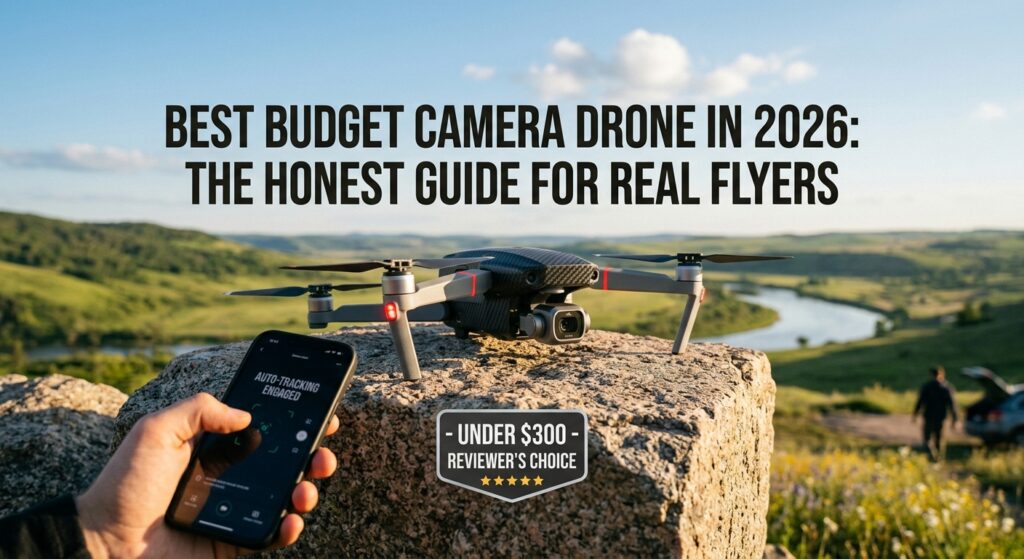
The ATOM SE occupies the middle ground between the full ATOM and more stripped-down options. It uses a Sony CMOS sensor and captures 4K video at 30 frames per second with electronic image stabilization rather than a mechanical gimbal.
That distinction matters. The footage from the ATOM SE in calm conditions looks very good. In wind or during aggressive movements, the limitations of EIS start to show. If you are flying mostly in open, calm areas and doing gentle cinematic glides, you might not notice or care. If you are flying near trees, in coastal areas with regular breezes, or doing anything fast-paced, the footage will reveal that the stabilization is software-based.
What makes the ATOM SE worth recommending is its combination of GPS features, flight time with the Fly More combo at around 62 minutes total, and its compact foldable design. It is genuinely portable in a way that feels travel-ready. For someone who prioritizes convenience and battery life over the absolute best footage quality, it hits a very practical sweet spot.
Holy Stone HS360S
Price: $179
If $250 to $300 is genuinely out of reach right now, the Holy Stone HS360S is the most honest recommendation at the lower end of the budget category.
It weighs under 249 grams, includes GPS with return-to-home, and records 4K video with a two-axis gimbal. The gimbal handles pitch and roll but not rotation, which means you will notice some banking during aggressive turns. For slower, more deliberate flying, the footage is pleasant.
The flight time comes in around 46 minutes with two batteries included in most configurations. The transmission range is around 5 kilometers, which is more than adequate for recreational use.
The honest assessment of the HS360S is that it is a good first drone for someone who wants to learn the fundamentals without spending $300. The camera quality will not compete with the DJI Mini 4K or even the Potensic ATOM. But for the money, it teaches you the basics, gives you real GPS features, and produces footage you can share without embarrassment when conditions are right.
Think of it as the training wheels option in the best possible sense. Once you have flown it enough to know what kind of aerial photography you actually want to pursue, you will have a much clearer idea of what to buy next.
DJI Neo
Price: $199 to $249 depending on controller configuration
The DJI Neo is a different kind of budget drone, and it is worth understanding what makes it different before you decide whether it belongs on your list.
It weighs just 135 grams, making it one of the lightest camera drones ever released. It has full propeller guards integrated into its design, which means it can launch from your palm, fly around without fear of cutting anyone nearby, and land back in your hand. It is the most beginner-safe drone on this list by a significant margin.
The camera records 4K video using electronic image stabilization. It does not have a mechanical gimbal. It does have an obstacle avoidance system, which none of the other drones at this price point offer. For someone who is nervous about crashes, that matters enormously.
The flight time is around 18 minutes per charge, which is short. You will want extra batteries if you plan to shoot for any length of time. The Neo also lacks GPS in its most basic form, relying on optical flow sensors for hovering stability. It behaves much better indoors and in tight spaces than GPS-dependent drones, which is a genuine advantage in some situations.
The DJI Neo makes the most sense for vloggers, travelers, and people who want the absolute simplest possible flying experience without any learning curve. It also makes excellent sense as a learning tool before you step up to a GPS-based drone. It is not the best camera drone on this list. But it might be the best first drone.
How to Match a Drone to Your Actual Goals
Buying the best drone on paper is not the same as buying the right drone for you. Here is a straightforward way to think about it.
If you want to shoot travel videos and cinematic landscape footage, buy the DJI Mini 4K. Nothing else at this price point comes close to its combination of portability, image quality, and flight software. You will not regret it.
If you want maximum time in the air per session and plan to fly in open areas where GPS-dependent features shine, the Potensic ATOM with a three-battery combo gives you nearly two hours of combined flight time at a lower price than the DJI. It is the value-per-minute-of-flight winner.
If you are genuinely just learning to fly and you are more concerned about not crashing than about footage quality, start with the DJI Neo or the Holy Stone HS360S. Both will teach you the skills you need without punishing you too harshly for beginner mistakes.
If your budget is fixed around $230 and you want something from a reputable manufacturer with solid GPS features and decent 4K footage, the Potensic ATOM SE is a safe bet as long as you understand that electronic stabilization has its limits.
Things Nobody Tells You Before You Buy Your First Drone
The advertised flight time is always optimistic. Plan your sessions around about 80 percent of whatever number the manufacturer lists, and always bring a second battery if the drone supports it.
Wind is the biggest variable you cannot control. A drone that hovers beautifully in your backyard on a calm morning will behave completely differently at 200 feet above an open field with a 15-mile-per-hour crosswind. Always check the wind forecast before you fly, and start in calm conditions while you are learning.
Most budget camera drones under $300 do not have obstacle avoidance. That is not a flaw. It is a design choice made to keep costs down. It means you need to develop the habit of flying with your eyes on the drone and the space around it, not buried in your phone screen watching the live feed.
The app matters. DJI’s mobile software is significantly more polished than what most third-party manufacturers offer. Connection times, interface clarity, and software reliability all contribute to how enjoyable the experience is. This is one area where the DJI brand justifies its premium even in the budget tier.
Finally, buy a spare set of propellers early. They are inexpensive, they weigh almost nothing, and at some point you will clip something and snap one. Having replacements on hand means you are back in the air in two minutes instead of waiting a week for a delivery.
A Note on FAA Rules and Responsible Flying
Operating a drone in the United States comes with responsibilities even when you do not need to register. You are required to fly below 400 feet in uncontrolled airspace, keep your drone within your line of sight, avoid flying over people and moving vehicles, and stay away from airports and restricted airspace without proper authorization.
The FAA provides a free app called B4UFLY that shows you what airspace is around you and whether you can legally fly in your current location. It takes about thirty seconds to check before you launch, and it is worth doing every single time.