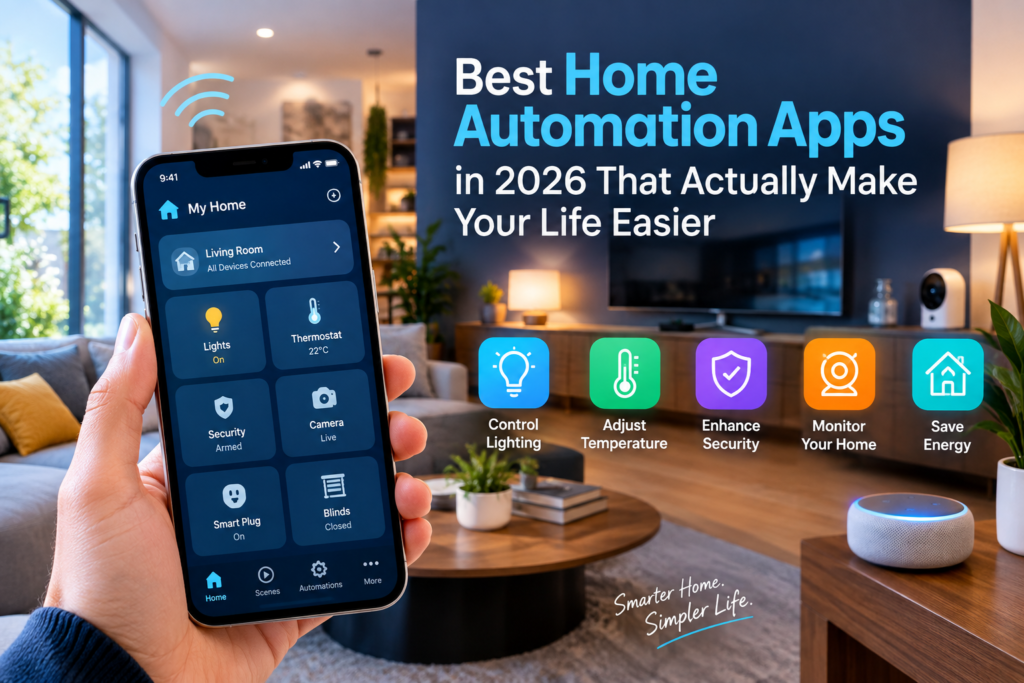
There was a point, not that long ago, when having a “smart home” meant juggling three different apps just to turn off the lights before bed. One app for your bulbs, another for your thermostat, and a third for the door lock you bought on a whim during a Black Friday sale. None of them talked to each other. It was exhausting.
That era is mostly behind us now. The home automation app market has grown up, and the options available in 2026 are genuinely impressive. Whether you want a no-fuss setup that just works or a deeply customized system you can tinker with on weekends, there is an app built exactly for that.
This guide walks you through the best home automation apps right now, what makes each one worth your time, and which one fits your situation best.
What a Home Automation App Actually Does
Before jumping into the list, it helps to understand what you are really getting when you download one of these apps.
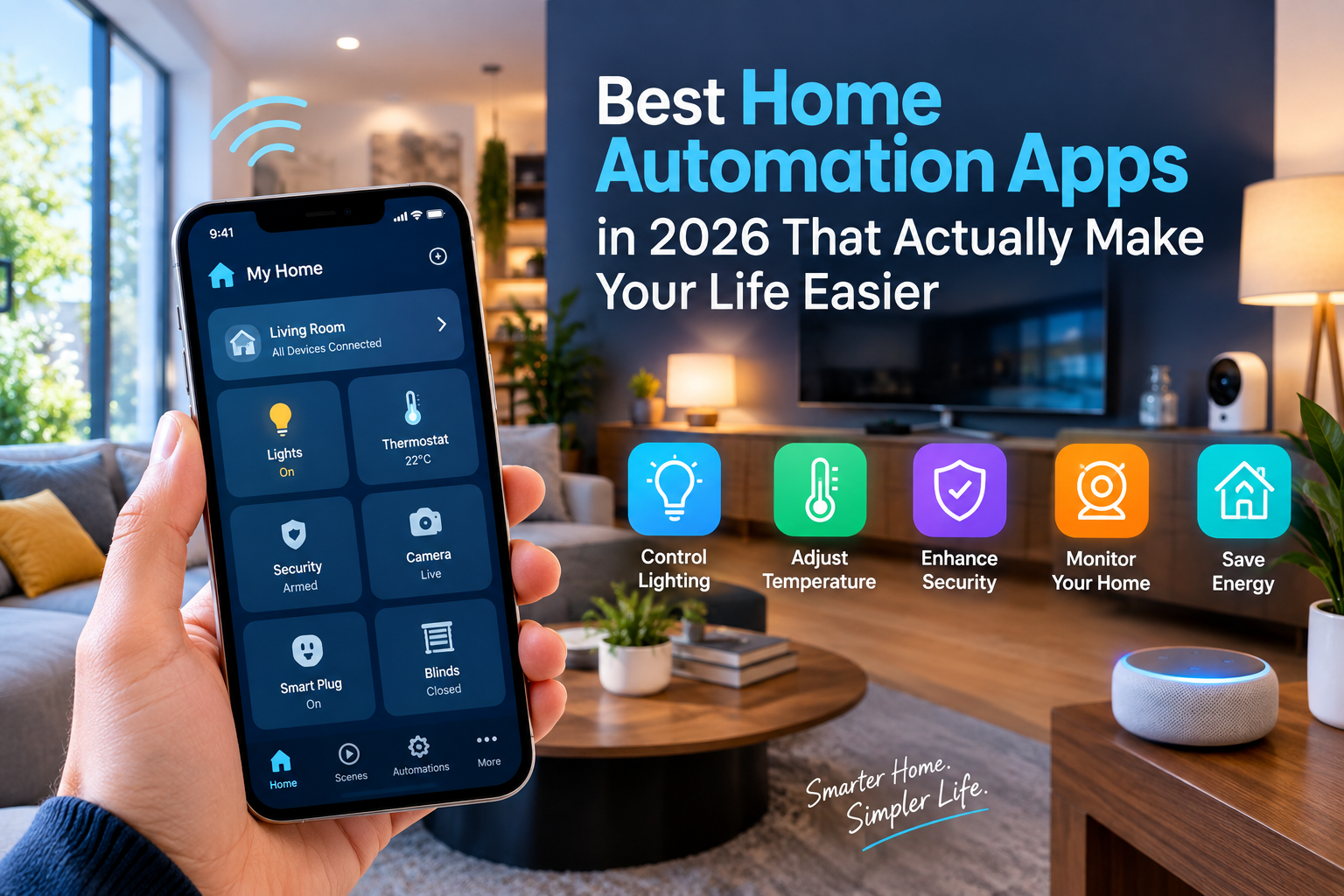
A home automation app is the brain behind your smart home. It connects to your devices, whether that is a smart bulb, a thermostat, a doorbell camera, or a robot vacuum, and gives you one place to control all of them. The good ones also let you set up automations, which are basically rules that trigger actions without you having to do anything. Your porch light comes on when the sun goes down. Your thermostat drops a few degrees when everyone leaves for school. Your coffee maker starts at 7:15 every morning. That kind of thing.
The best home automation apps go even further by letting multiple devices work together. So when you say “goodnight,” your lights dim, your doors lock, your thermostat adjusts, and your phone switches to do not disturb, all at once.
The challenge has always been that different brands speak different technical languages. That started changing in 2022 with the arrival of Matter, a universal smart home standard supported by Apple, Google, Amazon, and Samsung. In 2026, Matter has become a real foundation that most new devices are built on, which means apps from different companies can finally talk to the same hardware without workarounds.
The Best Home Automation Apps in 2026
1. Google Home
If you are an Android user or you are already deep into the Google ecosystem with Nest cameras or a Nest thermostat, Google Home is the most natural starting point.
The app has gone through some significant upgrades over the past few years. The automation builder is more intuitive than it used to be, and the integration of Gemini as Google’s AI assistant makes voice commands genuinely smarter. You can ask follow-up questions, handle multi-step requests, and the assistant actually understands context rather than just pattern-matching keywords.
Google Home shines when you pair it with Nest hardware. The Nest Thermostat, Nest Doorbell, and Nest cameras all feel like they were designed specifically for this app, because they were. Setup is fast, the interface is clean, and day-to-day control is smooth.
The downside is that Google Home leans on cloud processing for a lot of its features. If your internet goes out, some automations stop working. Google also has a history of canceling or restructuring products, which has left some users skeptical about long-term commitment to the platform.
Best for: Android users, anyone with Nest products, and households that want strong AI-powered voice control.
2. Apple Home
Apple’s approach to home automation has always been privacy first, polish second, device variety third. In 2026, that order largely still holds.
The Apple Home app is built into every iPhone, iPad, and Mac, which means there is nothing to install and no account to create beyond your existing Apple ID. If your household is already Apple-only, this app works with almost no friction. You open it, add a HomeKit-certified device, drop it into a room, and you are done.
What makes Apple Home stand out is where it processes your data. Most automations run locally through a HomePod or Apple TV acting as a home hub, meaning your commands never leave your house. For people who care about who has access to their data, this matters a lot. Apple has built privacy into its smart home philosophy in a way that Google and Amazon simply have not matched.
The tradeoff is compatibility. Not every smart home device carries HomeKit certification, so your choices are more limited than on other platforms. And if anyone in your household uses Android, they cannot control HomeKit devices through the official app. That creates friction in mixed-phone households.
Best for: Apple-only households, privacy-conscious users, and anyone who wants the most polished interface with the least amount of setup fuss.
3. Amazon Alexa
Amazon Alexa has one major advantage that none of its competitors have fully matched: it works with more devices than anything else on this list. If a smart home product exists, there is almost certainly an Alexa skill for it.
The Alexa app has matured well. The interface is busy compared to Apple Home, but it is functional, and the Routines feature gives you solid automation options. You can chain together device actions, trigger them by time or voice command, and even connect them to Ring cameras and Amazon Echo speakers throughout your home.
Amazon’s ecosystem extends beyond just smart devices. Alexa integrates with Ring doorbells, Blink security cameras, Eero mesh routers, and Fire TV systems. If you own several of these, the Alexa app feels like a genuine home control center rather than just a device switcher.
The privacy picture is less rosy. Alexa processes the bulk of its functionality through Amazon’s cloud servers. Voice commands are sent off your device, analyzed remotely, and returned as actions. Amazon has improved its transparency around data practices, but it still represents a fundamentally different approach than what Apple offers.
Alexa Plus, the paid subscription tier, adds enhanced AI features and more sophisticated conversation handling. For casual users, the free version handles the basics well enough.
Best for: Anyone building a large, device-diverse smart home on a budget, Alexa households already using Echo speakers, and Ring camera owners.
4. Samsung SmartThings
SmartThings occupies an interesting position in the home automation market. It is not tied to a phone brand the way Apple Home is, and it is not dependent on a voice assistant the way Alexa is. Instead, it functions as a neutral hub that bridges multiple ecosystems.
The SmartThings app works with Zigbee, Z-Wave, Matter, and Wi-Fi devices. It also plays well with Alexa, Google Home, and Apple HomeKit simultaneously, which makes it a solid choice for households that have already invested in a mix of brands and do not want to start over.
Samsung has quietly become one of the more capable options for people who own Samsung appliances. SmartThings is embedded directly into Samsung TVs, refrigerators, and washing machines, so managing your home and your appliances from the same interface becomes genuinely possible rather than a marketing feature that barely works.
One valid concern with SmartThings is its reliance on Samsung’s cloud. Many automations route through Samsung’s servers, which means an internet outage or a service disruption on Samsung’s end can interrupt your home controls. Samsung has been working on improving local processing, but it is not at the level of Home Assistant or Apple Home yet.
Best for: Mixed-brand households, Samsung appliance owners, and anyone who needs a single app that can talk to devices from multiple ecosystems without locking into one brand.
5. Home Assistant
Home Assistant is in a different category from every other app on this list, and it is worth understanding why before deciding whether it is right for you.
Home Assistant is free, open-source software that runs on hardware you own, typically a small device like a Raspberry Pi or a dedicated unit like the Home Assistant Green. All of your automations run locally. Your data never goes to a company’s cloud unless you specifically choose to connect cloud services. If your internet goes down, your home keeps working.
The platform supports over 3,000 device integrations covering every major brand and protocol including Zigbee, Z-Wave, Matter, Thread, Wi-Fi, and Bluetooth. It works alongside Alexa, Google Home, and Apple HomeKit rather than replacing them. You could, for example, use Home Assistant as the automation engine while still using your voice to control devices through Alexa or Siri.
The 2026 version of Home Assistant has made meaningful progress on accessibility. Recent updates introduced an auto-generated dashboard that builds itself based on the rooms you have already set up, a much more readable automation editor, and a “continue on error” feature that keeps routines running even when one device fails to respond. These are not small improvements. For years, Home Assistant’s main weakness was that it required comfort with technology to get the most out of it. That gap is narrowing.
That said, it still requires more initial investment than plugging in an Echo and downloading an app. Setup takes time, and troubleshooting can involve reading documentation or community forums. The tradeoff is a level of control and privacy that no commercial platform comes close to matching.
Best for: Tech-curious homeowners, privacy-focused users, anyone with devices from many different brands, and people who want their home to run even when the internet goes out.
How to Pick the Right App for Your Home
The honest answer is that the right app depends less on which one has the most features and more on what your home already looks like.
If you live in an all-Apple household and you want things to just work without reading a setup guide, Apple Home is the answer. If you are an Android user with Nest devices, Google Home makes the most sense. If you want maximum device compatibility and you do not mind a cloud-dependent setup, Alexa is hard to beat on sheer reach. If you have a house full of Samsung products, SmartThings adds capabilities that the other apps do not offer. And if you want total control, total privacy, and you enjoy the process of customizing your setup, Home Assistant is genuinely the best platform available, just be prepared to invest some time getting it right.
One thing worth noting is that Matter has made these decisions less permanent than they used to be. A Philips Hue bulb, for example, now works natively with Apple Home, Google Home, Alexa, and SmartThings at the same time. You can switch your primary app without necessarily replacing your devices, which takes some of the pressure off choosing perfectly on the first try.
Practical Tips Before You Start
Start small. Pick two or three devices for one room and get those working well before expanding. It is much easier to troubleshoot a small setup than one where you have added everything at once.
Think about your household, not just yourself. If you live with people who will also use the app, pick something with a clean interface they can figure out without asking you every time something changes. Apple Home and Google Home both have strong family sharing features.
Check device compatibility before buying. Not every device works with every platform. Spend five minutes on the app’s compatibility page before purchasing anything new.
Consider what happens when the internet goes down. If local processing matters to you, Apple Home and Home Assistant handle outages significantly better than Alexa or Google Home.
And finally, do not overlook the free options. Home Assistant is completely free. SmartThings has no required subscription for core features. Apple Home comes built into your iPhone. You do not need to spend a lot of money to build a genuinely capable smart home.
Final Thought
Home automation has crossed a threshold. It is no longer a hobby for people who enjoy complicated tech projects. The best home automation apps in 2026 are polished, reliable, and genuinely useful for everyday life. The only real question is which one fits the home you already have, and the people living in it.
Take a look at your devices, think about your priorities, and start there. You will figure out the rest as you go.