Introduction: Why Manual Mode Still Matters in 2026
In the recent years there are unexpected upgrades happening in photography. Just as AI-generated images flood our feeds, more people are picking up real cameras again. CIPA’s 2025 data shows compact camera shipments hit 2.44 million units, an increase of approximately 30% year-over-year—while DSLRs dropped 31%. For 2026, CIPA projects built-in-lens cameras will reach 2.77 million units, up another 13.6%.
Why? Part of it is smartphone fatigue. Part of it is a desire for authenticity. And part of it is simply this: people want control.
But “manual mode” in 2026 doesn’t mean what it meant two years ago. Camera manufacturers are building computational processing into every shot. Smartphones now offer “Pro” manual controls that actually reduce image quality in certain conditions. The rules have shifted.
This guide will save you from hours of wading through uninformed articles. You will be introduced to the manual camera settings that remain relevant, the compromises that come with them, and how you can use them to take better photos.
So why learning about manual shoot matters for good photos:
Clicking photos in manual mode, means you get to make the decision rather than your camera. Have you noticed something usual about the images you take comes out blurry when you shoot in a dark room? It’s because you’re letting your camera pick your settings. Are some of your shots coming out very grainy? That’s your camera making decisions on your behalf. To become a professional photographer, would you like to learn how to shoot shinny stars at night, or light trails left by cars streaking down a freeway? If so, you need to take back creative control.
The Exposure Triangle (Still the Foundation)
The exposure triangle remains the foundation of manual photography. Aperture, shutter speed, and ISO determine how much light reaches your sensor and how your image looks.
APERTURE: This refers to the size of the hole which opens up in your lens to let the light in. The aperture’s f-stop value determines the amount of background blurring. Aperture values such as f-number such as f/1.8 creates a blurry background perfect for portraits. On the other hand, high f-number like f/8 or f/11 keeps everything sharp and better for landscapes.
SHUTTER SPEED: when you click the image and hear the sound of the click after pressing the shutter button, that’s the time when the shutter opens inside the camera housing, exposing the film or digital sensor to the incoming light through the lens aperture to capture the image. Shutter speed controls motion. Fast speeds (1/500 or higher) freeze action. Slow speeds (1/30 or lower) blur movement but risk camera shake.
ISO: It controls sensitivity that will brighten and darken the image. At Low ISO value (100–200) gives clean images in good light. High ISO (1600+) brightens dark scenes but adds visible noise. In simple explanation when you increase your ISO values the brightness of the image also increases and at lower values it will darken the image.
Here’s the part that most tutorials skip:
Which setting you should choose first? Canon’s own guidance suggests starting with whichever creative effect matters most to you. If you want a blurry background, set aperture first. If you’re shooting sports, set shutter speed first.
A practical starting point for outdoor portraits: f/2.8, 1/250, ISO 100.
For indoor scenes: f/2.8, 1/125, ISO 800.
Camera Settings in 2026: The iPhone Trade-Off Nobody Mentions
This is where last year’s tutorials become obsolete.
The iPhone 18 Pro introduced Pro controls that let you set shutter speed and aperture manually. Sounds like a win for manual shooters. But DPReview’s testing revealed something Apple didn’t advertise: when you set shutter speed manually, the iPhone stops stacking frames.
Frame stacking is how phones get clean low-light photos. The phone shoots a rapid burst, aligns the frames, and merges them to reduce noise. Without it, you’re getting a single exposure and noticeably more noise. In one test at f/1.48, 1/15 sec, and ISO 10000, the difference between auto and manual shutter was obvious.
The workaround? Manual aperture is fine. The phone continues stacking frames. But for low-light scenes, let the camera pick shutter speed unless you have a deliberate creative reason to override it.
Manual Photography in 2026: In-Camera Color Is the New Control
If you shoot Fujifilm or Nikon, “manual photography” in 2026 increasingly includes color.
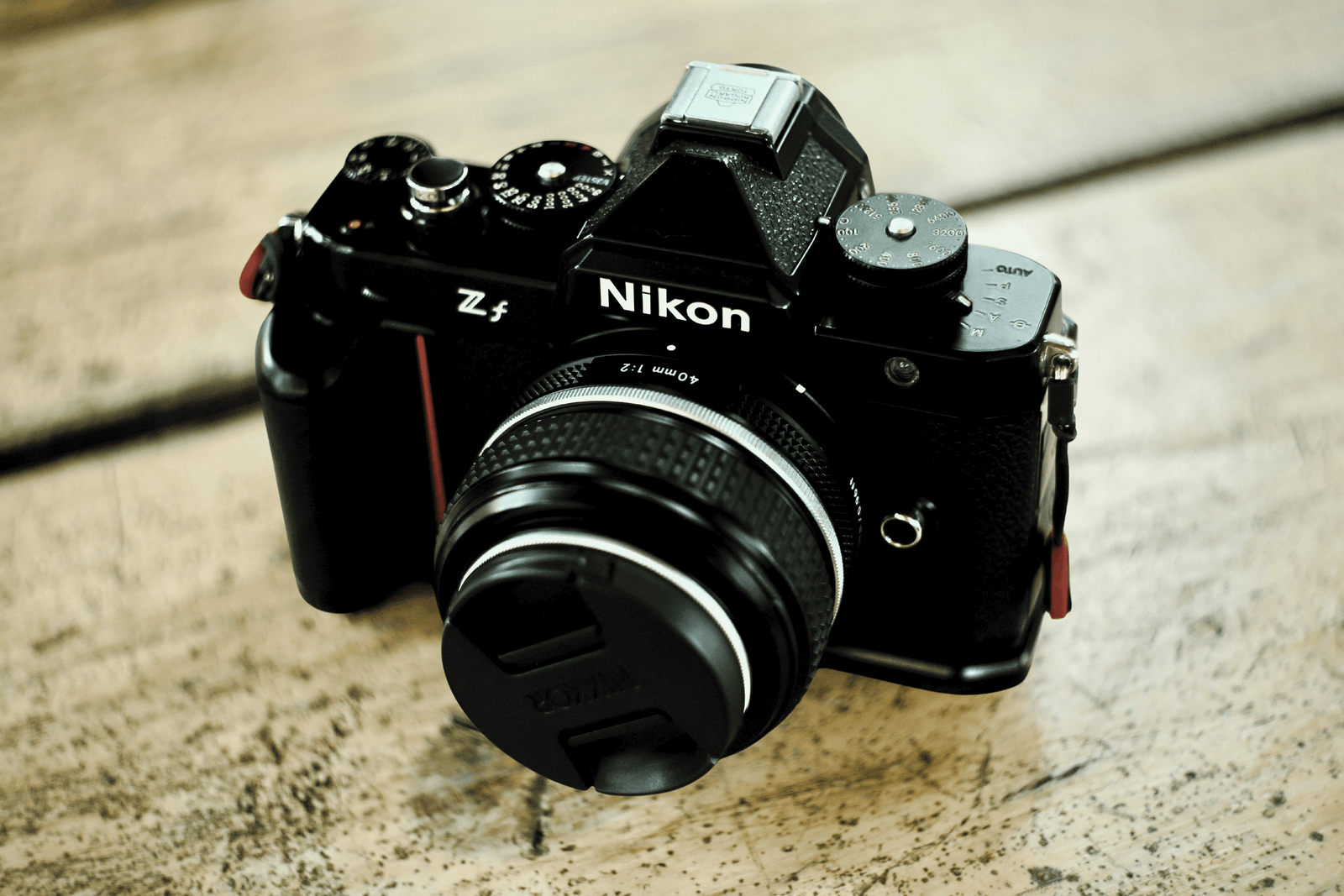
Fujifilm’s Film Simulation modes apply distinct color and contrast profiles at capture the Classic Chrome for muted documentary tones, Velvia for vivid landscapes, Across for rich monochrome. Nikon’s Z5II supports Imaging Recipes, downloadable presets from Nikon Imaging Cloud created by photographers and RED Digital Cinema. Over 100 recipes are available, though up to 9 can be stored on the camera at once—the rest require swapping via the cloud.
This matters for manual shooters because it moves the creative decision back to the moment of capture. You’re not just choosing exposure. You’re choosing a look. And you’re doing it before you press the shutter, not after.
Manual Photo Shoot: The Part That Still Matters Most
The compact camera market is growing for a reason. CIPA projects 2.77 million built-in-lens camera shipments in 2026, up 13.6% year-over-year. That growth is driven by people who want a camera they’ll actually carry—the Fujifilm X100VI, the Ricoh GR series, and even entry-level models with retro appeal.
Manual mode on a compact camera forces you to work with a fixed lens and limited controls. That’s not a limitation. It’s practice. The photographer who shoots manual on a Ricoh GR or Fujifilm X100 learns exposure faster than the one who shoots auto on a flagship mirrorless. Limited gear forces better decisions.
Your 2026 Manual Assignment
Shoot 20 photos this week. Use Auto-ISO. Set aperture and shutter manually. Pay attention to when the camera’s choices were better than yours and when yours were better than the camera’s.
Manual mode isn’t about turning off automation. It’s about knowing when to take the wheel.