Few things are more frustrating than seeing a low-storage warning while working or gaming. Whether you are downloading a large file or game or trying to export your data of images or videos etc in your computer or Laptop, and suddenly due to low space to store the files you have to delete the previous files or uninstalling softwares which you actually want to keep.
Storage technology continues to evolve, making high-capacity SSDs more accessible. Now they have ended this cycle of keep uninstalling or deleting data for new ones by upgrading to an NVMe SSD 2TB wor 4TB. This isn’t about having more room, it’s about removing a bottleneck that quietly shapes how you use your computer every single day. Below are five concrete, real-world reasons why this is the upgrade worth prioritizing.
What Is a 4TB NVMe SSD?
An NVMe (Non-Volatile Memory Express) SSD is a high-speed solid-state storage drive that connects directly to your computer’s CPU through the PCIe bus, delivering vastly faster read and write speeds than older SATA drives. SATA drives were built for the mechanical era, and even the fastest SATA SSD tops out around 550MB/s in real-world use. NVMe was designed specifically for flash storage, connecting directly to your processor through PCIe lanes instead of routing through a SATA controller.
The real-world benefits are massive. With PCIe Gen 4 delivers sequential read speeds up to 7,000 to 7,450 MB/s but Gen 5 reaches sequential read speeds of 12,000 to 14,800 MB/s . The 4tb m2 ssd will fit straight into the slot of your motherboard, no need for cable connections, no drive bays. If you’ve been using a SATA drive as your primary storage feels less like an upgrade and more like removing a governor from your system.
Why Choose a 4TB SSD?
In the present time modern games get installed roughly around 100GB or more. A single 4K video project can consume hundreds of gigabytes before you’ve even get your first draft after rendering. A 1TB or 2TB drive fills up faster than most people expect, and once you’re above 80% capacity, you’re constantly making compromises.
A 4tb nvme ssd changes the whole scenario. You stop managing space and start using your machine. Your entire game library stays installed. Your scratch disks have room to breathe. Your operating system has enough headroom for updates and temporary files without competing for every last gigabyte. The value of a high capacity NVMe SSD isn’t measured in terabytes, it’s measured in the friction it removes from your daily workflow.
Reason 1: Faster Read and Write Speeds
How NVMe Technology Enhances Performance
The speed advantage of NVMe goes beyond large file transfers. Random read/write performance measured in IOPS is where NVMe leaves SATA far behind. NVMe drives deliver hundreds of thousands of input/output operations per second, compared to tens of thousands for SATA drives
In creative work, the difference is tangible. Loading a 45-megapixel RAW file with adjustment layers can take 2–3 seconds on NVMe versus 8–12 seconds on SATA, and that gap compounds across hundreds of images in a single shoot. For gaming, the Samsung 990 Pro 4TB NVMe SSD is a strong reference point: its random performance improvement of more than 55% over the previous generation translates directly into faster loads for PS5 titles and Direct Storage-enabled PC games.
Reason 2: More Storage for Gaming
Importance of Storage for Gamers
A 4tb SSD for gaming also solves the issue of having to manage your games. If you have enough space on your SSD to store all the games you play and those you play occasionally you will be having the fun of playing all games at any time.
The expansion requirements are very specific for the PS5. The drive must be between 250GB-8TB, you need a minimum read speed of 5,500MB/s and you must include a heatsink. The drive and heatsink can only be 25mm wide and 11.25mm thick. The gamestop nvme ssd card 4TB with heatsink for playstation 5 will give you the maximum size that the PS5 will support. This means you will only have to install it once and will probably never have to worry about storage on your console again.
Best 4TB NVMe SSD for PS5 and PC Gaming
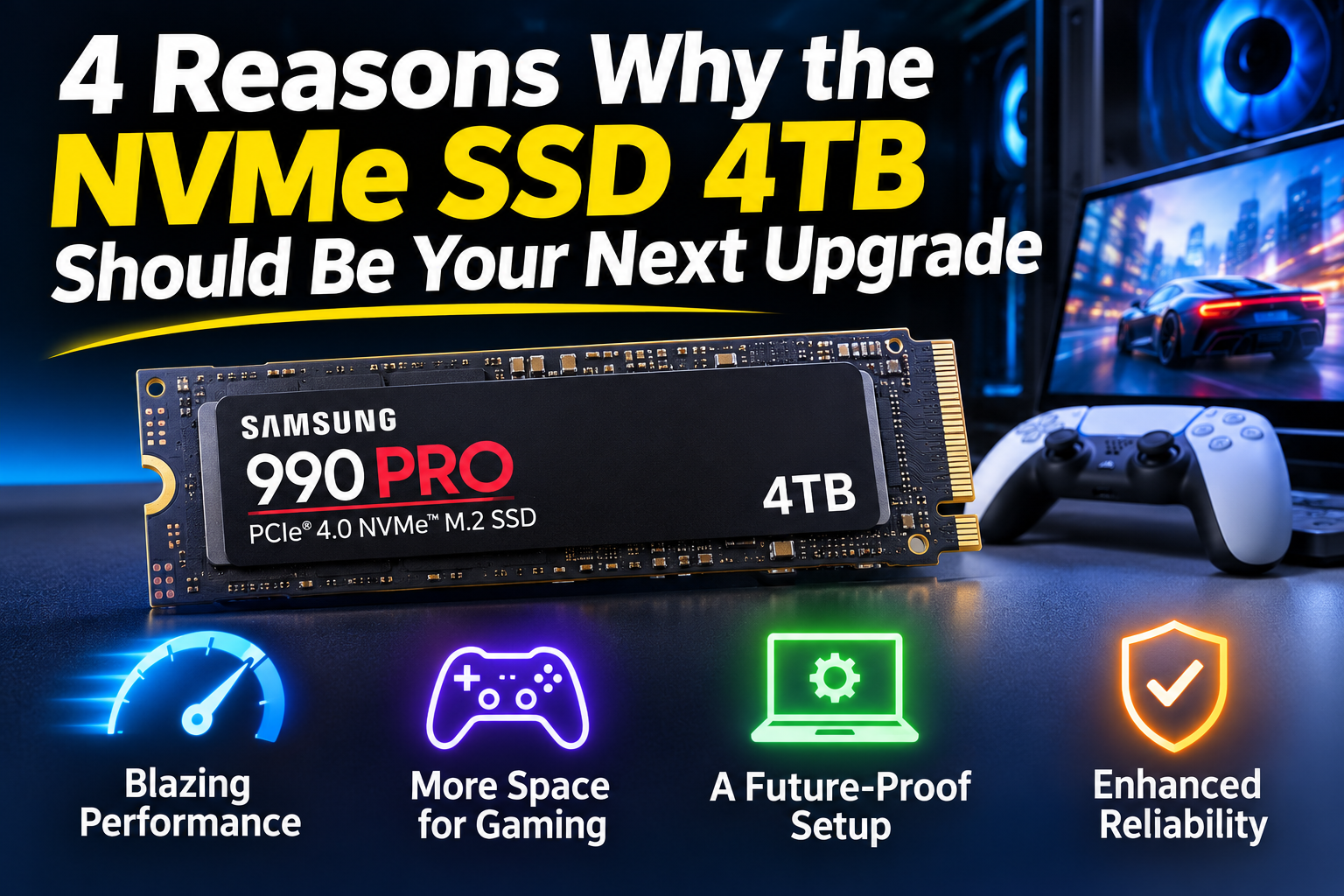
The Samsung 990 Pro 4TB with heatsink is explicitly PS5-compatible and meets Sony’s dimensional requirements, making it a straightforward choice for console owners who want a single, reliable drive. The Samsung Gen 5 interface is overkill for current console gaming. For PC gamers on a Gen 4 platform, the 990 Pro remains the more sensible allocation of budget you get the capacity and the load-time benefits without paying for bandwidth your games cannot yet use.
Reason 3: Better Support for Modern Workloads
The Growing Need for High-Capacity Storage
File sizes are just getting larger time by time. Games graphics and textures are getting high and realistic, videos are higher resolution and AI assisted processes are creating huge data sets that would’ve been ludicrous even a couple of years ago. A 4tb nvme drive will give you plenty of space to accommodate this.
The DirectStorage feature comes into play here. With the API provided by Microsoft, data can be transferred straight to your GPU from your SSD, skipping the CPU and RAM completely. This has been tested and shows massive improvements in transfer speeds (up to 153%), however when loading games, the improvement isn’t quite as significant. In some cases you’ll see a 10-20% improvement in loading times compared to an NVMe without DirectStorage. It’s not a feature to ignore but realistically you do need an NVMe to begin with. A fast 4tb SSD will keep you prepared for any games that make heavy use of it.
Reason 4: Endurance and Long-Term Reliability
The larger the capacity, the greater the endurance rating will be, due to more cells being used when writing to the storage. The 4TB Samsung 990 Pro has an endurance rating of 2400TBW, which means it is guaranteed to be able to handle 2400 terabytes being written to it. This sounds like a lot but if only writing 50GB per day, it would take you over 130 years to get to that number. It is more likely that you would encounter issues with the controller/components failing than the NAND. That’s why the 1.5 million-hour MTBF rating matters.
Samsung 9100 PRO 4TB: PCIe 5.0 Performance
The Samsung 9100 Pro 4TB NVMe SSD represents Samsung’s PCIe 5.0 flagship. It delivers sequential reads up to 14,800MB/s and writes up to 13,400MB/s, with random read performance reaching 2,200K IOPS. It is built on Samsung’s 5nm controller architecture with 236-layer TLC V8 NAND and carries the same 2,400TBW endurance rating as the 990 Pro.
Samsung 990 PRO 4TB vs Samsung 9100 PRO 4TB: Which SSD Is Better?
Choosing between the Samsung 990 PRO and 9100 PRO depends on your hardware, workload and performance requirements. Both offer 4TB capacity, but they use different PCIe generations and target slightly different users.
| Specification | Samsung 990 PRO 4TB | Samsung 9100 PRO 4TB |
| Interface | PCIe 4.0 x4 | PCIe 5.0 x4 |
| Form factor | M.2 2280 | M.2 2280 |
| Read speed | Up to 7,450 MB/s | Up to 14,800 MB/s |
| Write speed | Up to 6,900 MB/s | Up to 13,400 MB/s |
| Random read | 1.6M IOPS | 2.2M IOPS |
| Random write | 1.55M IOPS | 2.6M IOPS |
| Endurance | 2,400 TBW | 2,400 TBW |
| Warranty | 5 years limited | 5 years limited |
| Best suited for | Gaming and everyday computing | High-performance workstations and demanding workloads |
Conclusion
A 4TB NVMe M.2 SSD delivers five overlapping benefits: NVMe speed that changes how quickly your system responds; enough capacity to end the uninstall-reinstall cycle; future-proofing for growing file sizes and DirectStorage era games; solid-state durability with no moving parts to fail; and long-term cost-effectiveness that improves the longer you keep the drive in service.
Before you buy, confirm two things: whether your motherboard or console supports PCIe 4.0 or 5.0, and whether your PS5 installation requires a low-profile heatsink that fits within the expansion bay. Once those boxes are checked, the 4tb nvme m 2 ssd upgrade is one of the few PC purchases that makes almost every task you do feel faster but not because the hardware is flashy, but because you stop waiting.